20 years of skinning pain,
finally solved with layers.
Video Coming Soon
⚠️ Notice for International Users
Individual purchases from outside Korea are currently unavailable until our global payment system launches (planned June 2026). We sincerely apologize for the inconvenience!
International businesses can purchase by submitting a letter of intent via email: contact@otakusolutions.com
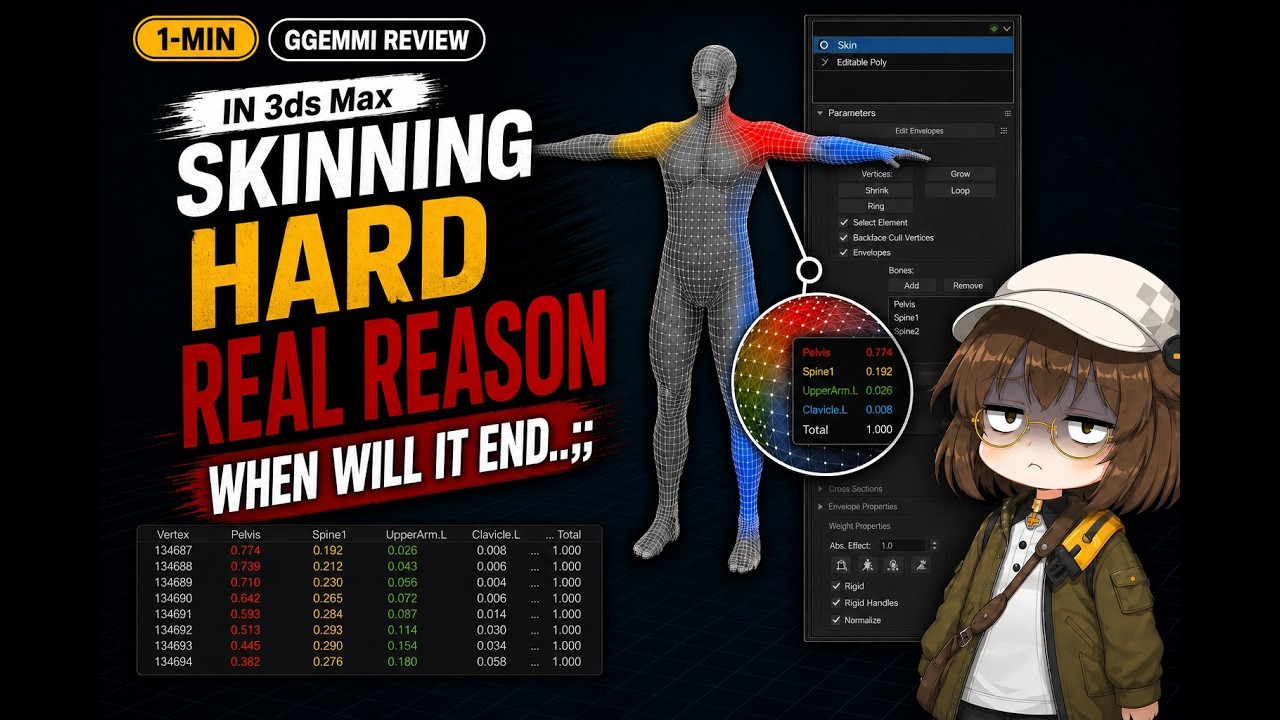
3ds Max Skin Modifier hasn't changed in 20 years.
Fix one shoulder, break an elbow. When 3+ bones overlap, weights redistribute like falling dominoes — completely out of your control.
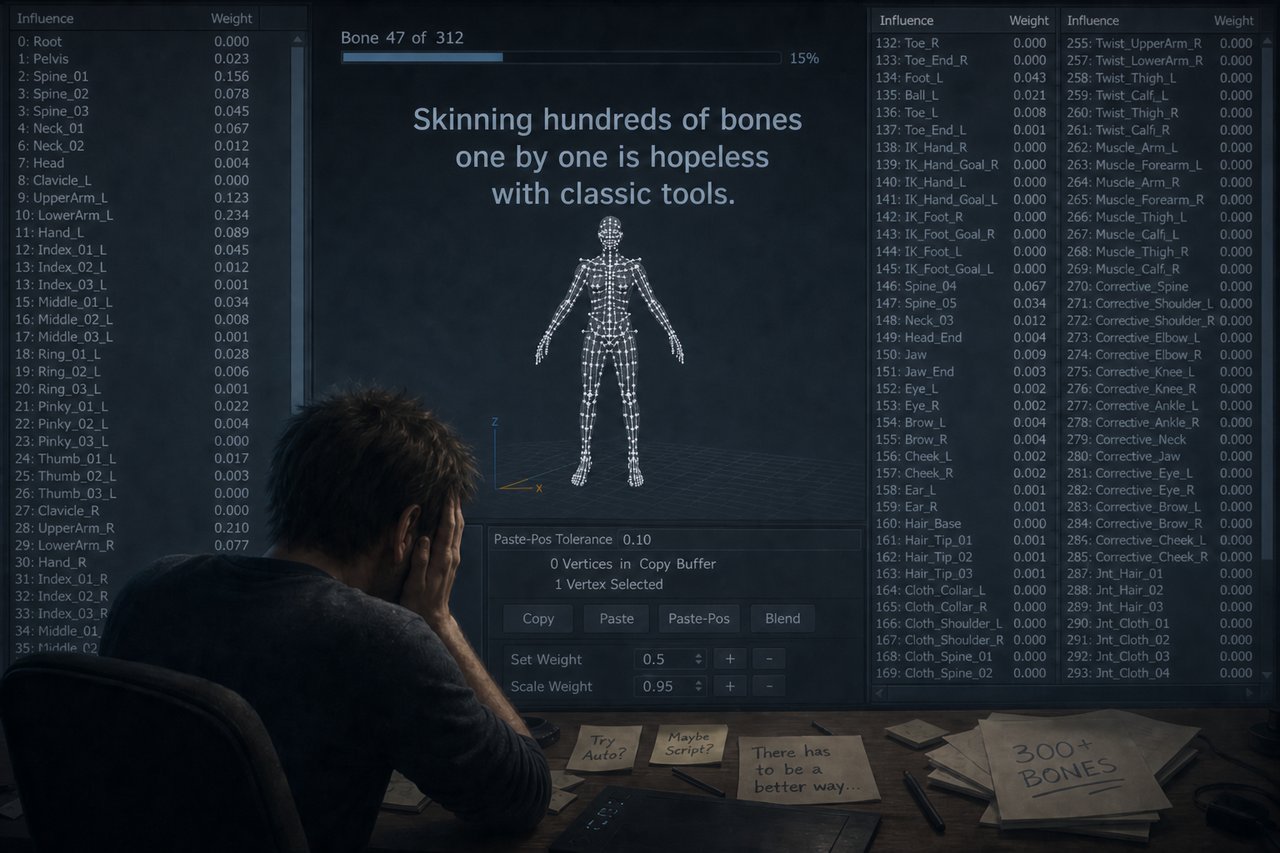
Hidden tips only veterans know... Mirror Map setup? Save Envelopes? Skin Wrap? 30 minutes just to find the method. Finally tried it — mesh crushed, weights flying everywhere. "Is this a feature or a bug?"
Structured skinning is simply impossible. Corrective layers, pose-based deformation control, hierarchical weight management. Without all of this, facial and body quality hits a hard ceiling. It's not your skill. It's the tool.
"Great for modeling. Absolute hell for skinning."
| Feature | 3ds Max Skin | SkinLayer Studio |
|---|---|---|
| Layer Editing | ❌ | ✅ |
| Influence Lock | ❌ | ✅ |
| Reliable Mirror | ❌ | ✅ |
| Real-time Heatmap | ⚠️ | ✅ |
| Multi-Mesh Editing | ❌ | ✅ |
| Non-destructive Workflow | ❌ | ✅ |
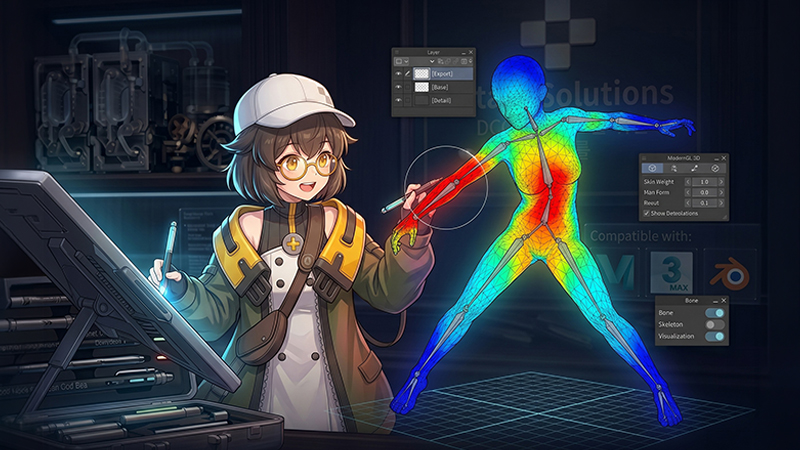
Stack weight layers like Photoshop. Add correction layers on top of base weights — fully non-destructive.
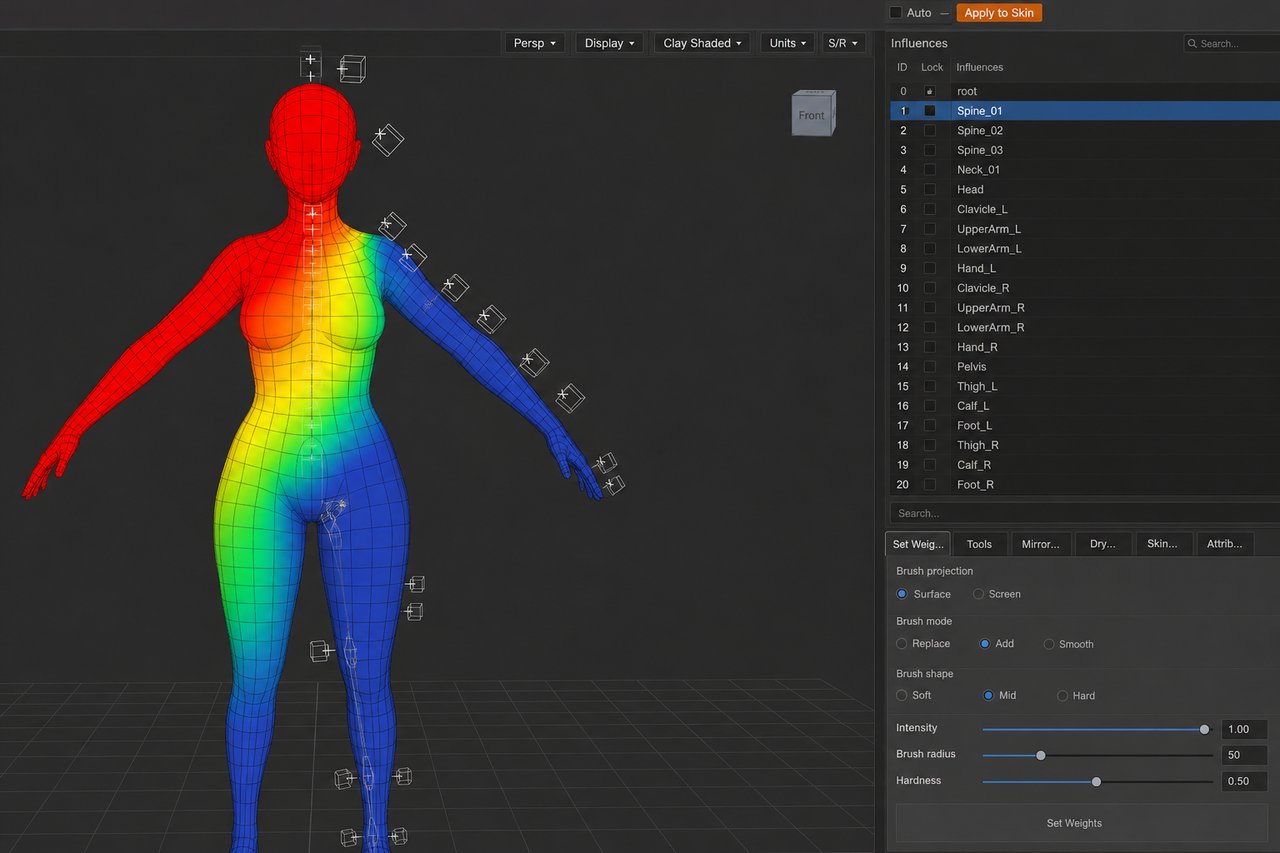
Lock a bone and only the unlocked ones redistribute. The domino effect is over. Weights go where you intend.
60fps live updates. Sub-0.001 weight differences visible by color. Catch hidden bugs instantly.
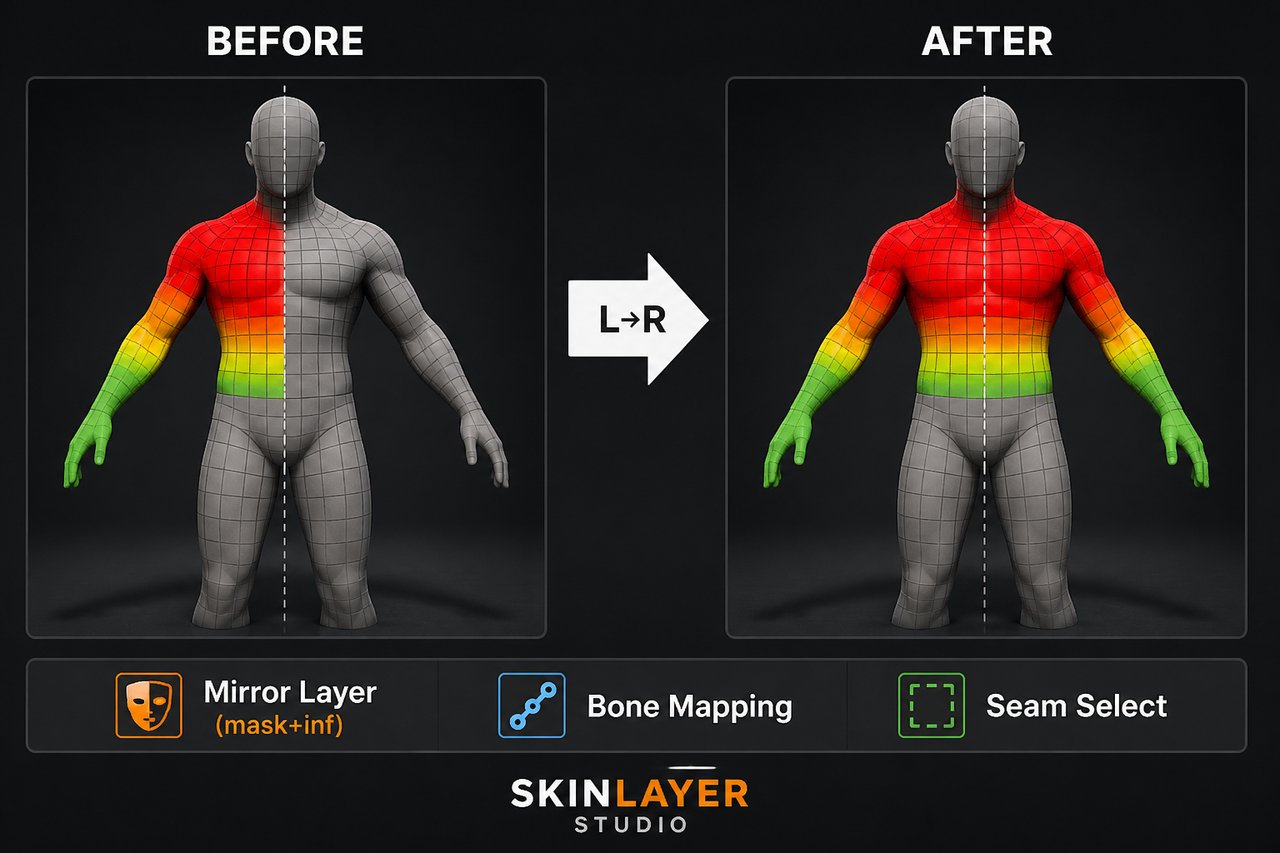
Works regardless of pose or topology. Asymmetric meshes handled by spatial matching. Paint one side, done.
Body, clothing, and gear — all in one view. No more switching between objects. Manage the full character at once.
Stack weight layers like Photoshop. Add correction layers on top of base weights — fully non-destructive.
Lock a bone and only the unlocked ones redistribute. The domino effect is over. Weights go where you intend.
60fps live updates. Sub-0.001 weight differences visible by color. Catch hidden bugs instantly.
Works regardless of pose or topology. Asymmetric meshes handled by spatial matching. Paint one side, done.
Body, clothing, and gear — all in one view. No more switching between objects. Manage the full character at once.
| Feature | 3ds Max Skin | Maya Layer Skin Tool | SkinLayer Studio |
|---|---|---|---|
| Layer Editing | ❌ | ✅ | ✅ |
| Influence Lock | ❌ | ✅ | ✅ |
| Reliable Mirror | ❌ | ✅ | ✅ |
| Real-time Heatmap | ⚠️ | ✅ | ✅ |
| Multi-Mesh Editing | ❌ | ❌ | ✅ |
| Non-destructive Workflow | ❌ | ✅ | ✅ |
| 3ds Max Support | ✅ | ❌ | ✅ |
| Price | Included | Other DCC only | $200 |
* Other DCC layer skinning tools are Maya-only and cannot be used in 3ds Max.
⚡ Perpetual license · Auto updates · Commercial use